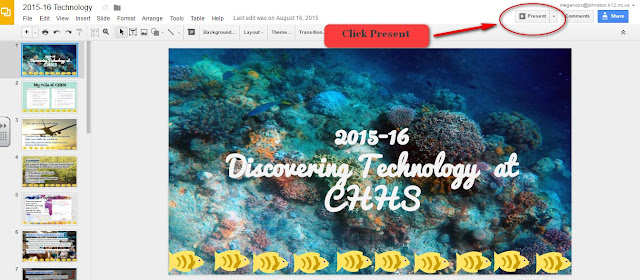
Add Audio to Google Slides
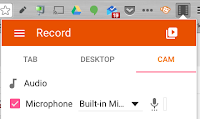
Add Audio to Google Slides shared by EdTechify As everyone knows, Google Slides is one of the best ways to create collaborative presentations. Those of us that have used it also know that the inability to add audio into slides can be the bane of our existence. However, there's good news! Google Slides can have embedded video via YouTube. The tricky part is: Finding an easy way to record your audio Uploading that "audio" to YouTube Displaying the "audio" in your Google Presentation so that it looks pretty There are many methods out there, but the one that I've found to be simplest is using Screencastify . I recently posted how to record OVER a presentation using Screencastify (end result is a video file). Step 1: Open Screencastify and record with the "Cam". If you only want audio without video, simply cover up your webcam with your thumb or post-it note. Step 2: Record your narration. Pause...