Get Immediate Response Back from Your Students!

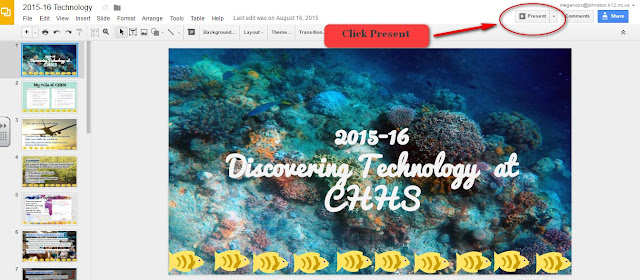
Check out this video of Google Slides Q&A in Action: (Click here to view the video) The Slides Q&A feature works on desktop computers, chromebooks, and Apple/Android mobile devices. To launch the Q&A feature, open any Google Slide presentation and click the down arrow next to the present button: The presenter view box will open, this is where you can start the Q&A session and see questions as they pop-up: This is a wonderful new feature to make your presentations interactive!